
Introduction
Once you understand the basic structure and syntax of Fast Formula, the next most important concept is variables.
Many beginners struggle with Fast Formula not because of syntax, but because they are confused about:
- Inputs vs variables
- Outputs vs RETURN
- When to use DBIs instead of inputs
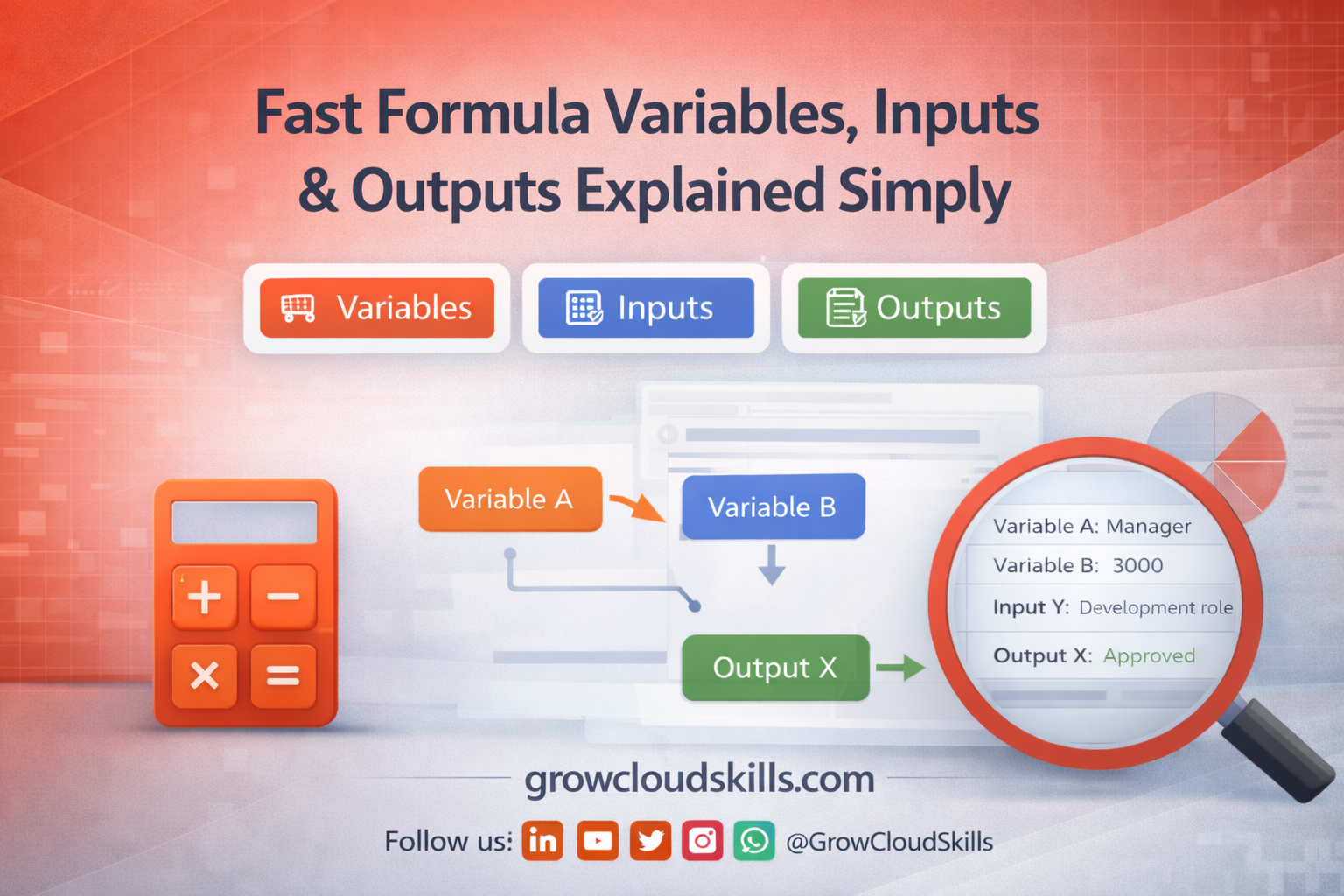
In this blog, we’ll break down variables, inputs, and outputs in the simplest possible way, with practical examples you can relate to real Oracle Fusion HCM scenarios.
What Are Variables in Fast Formula?
A variable is a named storage location that temporarily holds a value while the Fast Formula is running.
In Fast Formula:
- Variables exist only during execution
- They do not permanently store data
- They help you apply logic and calculations
Think of variables as containers used to process business rules.
Types of Variables in Fast Formula
Fast Formula mainly works with three types of variables:
- Input Variables
- Local Variables
- Output Variables
Understanding the difference between them is critical.
Input Variables in Fast Formula
What Are Input Variables?
Input variables receive values from outside the formula.
They are declared using the INPUTS ARE statement.
Example:
INPUTS ARE BASIC_SALARY
Here, BASIC_SALARY is passed into the formula from:
- A payroll element
- An absence plan
- An eligibility rule
When Should You Use Input Variables?
Use input variables when:
- The value is controlled by configuration
- The value varies based on the element or rule
- You want flexibility without changing formula logic
Example use cases:
- Salary passed from payroll element
- Grade passed from eligibility setup
- Custom values maintained by HR
DEFAULT Values for Input Variables
Defaults protect your formula from missing or null values.
Example:
DEFAULT FOR BASIC_SALARY IS 0
Why Defaults Are Mandatory Best Practice
- Prevent runtime failures
- Ensure predictable output
- Avoid unexpected formula crashes
👉 Always define DEFAULTS for every input variable.
Local Variables in Fast Formula
What Are Local Variables?
Local variables are created inside the formula and are used only for calculations and logic.
Example:
TOTAL_PAY = BASIC_SALARY + ALLOWANCE
Here, TOTAL_PAY is a local variable.
Characteristics of Local Variables
- Created during formula execution
- Used for intermediate calculations
- Not passed into or out of the formula directly
Local variables make formulas:
- Easier to read
- Easier to debug
- Easier to modify later
Output Variables in Fast Formula
What Are Output Variables?
Output variables hold the final result that the formula returns. It is also called as Return Variables.
Example:
RETURN TOTAL_PAY
Here, TOTAL_PAY becomes the output.
Important Rules for Output Variables
- Only one RETURN statement is allowed
- Returned value must match the formula type
- Data type must be correct (number, text, date)
Oracle Fusion expects a specific output depending on the formula type:
- Payroll formula → numeric value
- Eligibility formula → YES / NO
- Validation formula → TRUE / FALSE
Input Variables vs Output Variables
| Aspect | Input Variable | Output Variable |
|---|---|---|
| Direction | Passed into formula | Returned from formula |
| Purpose | Receive data | Send result |
| Defined using | INPUTS ARE | RETURN |
| Example | BASIC_SALARY | ALLOWANCE_AMOUNT |
👉 A variable can never be both input and output at the same time.
Data Types in Fast Formula Variables
Fast Formula supports three main data types:
1. Number
Used for calculations.
Example:
BONUS_AMOUNT = 5000
2. Text
Used for conditions and messages.
Example:
STATUS = 'ELIGIBLE'
3. Date
Used for date-based logic.
Example:
JOIN_DATE = TO_DATE('2024-01-01')
👉 The data type is inferred automatically based on the value.
DEFAULT Values and Data Types
Defaults must match the expected data type.
Correct examples:
DEFAULT FOR BONUS_AMOUNT IS 0DEFAULT FOR STATUS IS 'NA'DEFAULT FOR JOIN_DATE IS '1900-01-01'
Incorrect defaults often lead to runtime errors.
Input Variables vs Database Items (DBIs)
This is a very common confusion point.
Use Input Variables When:
- Value comes from configuration
- Value is element-driven
- You want flexibility
Use DBIs When:
- Value comes from HCM tables
- Data is employee-specific
- You want system-controlled values
Example:
- Salary from element → Input
- Grade from assignment → DBI
👉 DBIs will be covered in detail in the next post.
Practical Example: Inputs, Variables & Output Together
Scenario
An employee receives a performance bonus if their rating is “A”.
Formula Logic
INPUTS ARE PERFORMANCE_RATINGDEFAULT FOR PERFORMANCE_RATING IS 'NA'IF PERFORMANCE_RATING = 'A' THEN BONUS = 10000ELSE BONUS = 0RETURN BONUS
This example shows:
- Input variable
- Default handling
- Local variable
- Output return
Common Beginner Mistakes
Avoid these common issues:
❌ Forgetting DEFAULT values
❌ Returning an input variable directly
❌ Using text where number is expected
❌ Reusing variables with different meanings
❌ Confusing DBIs with inputs
Most Fast Formula issues are caused by poor variable handling, not syntax.
Best Practices for Variables in Fast Formula
✔ Use meaningful variable names
✔ Always define DEFAULT values
✔ Separate logic and output clearly
✔ Keep variable scope simple
✔ Avoid unnecessary variables
Clean variables = clean formulas.
How This Connects to the Learning Path
Now you understand:
- Inputs
- Local variables
- Outputs
Next, you’ll learn:
- How formulas read HCM data using Database Items (DBIs)
- Why DBIs are powerful but dangerous if misused
👉 Refer back to the Pillar Blog for the full Fast Formula roadmap.
Conclusion
Fast Formula becomes easy once variables make sense.
If you can clearly answer:
- What comes in? (Inputs)
- What happens inside? (Variables)
- What goes out? (Return)
Then you are already thinking like an Oracle Fusion HCM consultant.
Follow GrowCloudSkills for the next post in this Fast Formula series.

Leave a Reply